
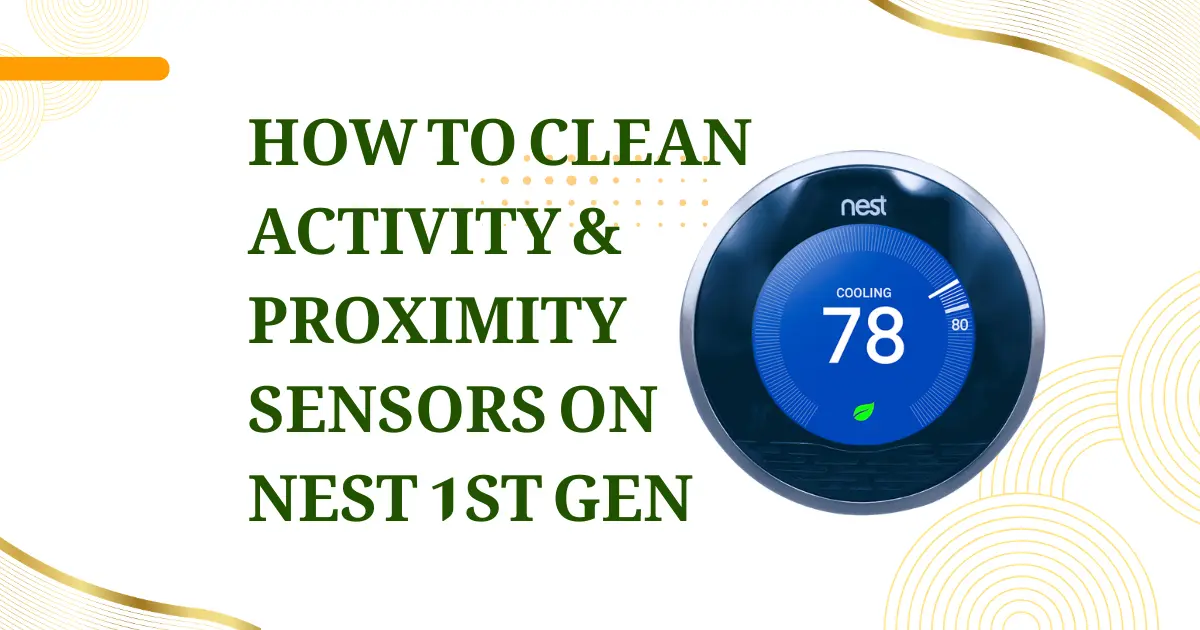
The Nest Learning Thermostat 1st Generation’s intelligence is not purely algorithmic; it depends on a set of physical sensors that observe the environment in real time and use that observation to modify thermostat behavior automatically. Among these, the activity sensor and proximity sensor are the two components most responsible for the behaviors that distinguish the Nest from conventional programmable thermostats: the ability to detect that no one is home and enter an energy-saving Away mode, and the ability to illuminate the display when someone approaches without requiring a touch or button press. Both sensors are optical devices; they interact with the infrared spectrum, and both are vulnerable to the same contaminant that ultimately degrades any optical system: surface accumulation that interferes with the light path.
Understanding what these sensors are, how they work, where they are located on the device, what symptoms contamination produces, and how to clean them correctly is the complete scope of this guide.
THE PROXIMITY SENSOR: DISPLAY WAKE AND PRESENCE DETECTION
Function and behavior
The proximity sensor in the Nest 1st Gen detects when a person is within approximately 4-6 feet (1.2–1.8 meters) of the thermostat face and activates the display. Without the proximity sensor, the Nest’s display would need to be always-on (consuming significant battery and backlight power) or would require a physical touch to wake, neither of which fits the product’s design intent of a thermostat that appears to respond to your presence.
Technology
The proximity sensor is an active infrared (IR) sensor it emits IR light at a specific wavelength and detects the reflection of that light from nearby surfaces and bodies. When a person enters the detection zone, the reflected IR intensity increases, triggering the display wake signal to the logic board.
The sensor is distinct from the activity sensor (described below) in its detection range and purpose: the proximity sensor has a narrower detection zone (directly in front of the device face) and a shorter range (for wake-on-approach behavior), while the activity sensor has a wider field of view and longer range (for room occupancy detection).
Location on the device
The proximity sensor aperture is a small dark window on the Nest 1st Gen’s front face, visible through the front bezel. On most production variants, it appears as one of two small circular or rectangular apertures near the top of the device face, adjacent to or beneath the display edge. The exact position varies between production runs.
THE ACTIVITY SENSOR: AUTO-AWAY AND OCCUPANCY DETECTION
Function and behavior
The activity sensor detects motion and occupancy in the room where the thermostat is installed and in adjacent areas visible from its mounting position. This sensor is the physical mechanism behind the Nest’s Auto-Away feature, the behavior that automatically switches the thermostat to an energy-saving setpoint when no activity has been detected for a period of time, and returns to the normal schedule when activity is detected again.
The activity sensor also feeds into the Nest’s learning algorithm. Patterns of detected activity correlated with time of day and day of week contribute to the thermostat’s model of household occupancy, informing the automatic schedule it develops over the first weeks of installation.
Technology
The activity sensor in the Nest 1st Gen uses Passive Infrared (PIR) sensing technology. Unlike the proximity sensor (which actively emits IR light), the PIR sensor passively detects changes in the infrared radiation pattern across its field of view. A warm human body moving through the sensor’s field changes the IR pattern; the sensor detects this differential change as motion.
PIR sensors are specifically sensitive to the human body’s thermal emission profile (centered around 9-10 micron wavelength IR, corresponding to body temperature) and are relatively insensitive to ambient temperature changes that are spatially uniform. This selectivity allows the sensor to detect people in a room without false triggering on HVAC temperature changes or ambient light fluctuations.
Detection range and field of view
The Nest 1st Gen’s PIR activity sensor has a detection range of approximately 15-20 feet (4.6-6 meters) under typical conditions and a horizontal field of view of approximately 150-160 degrees, enabled by the Fresnel lens covering the sensor aperture. This wide field of view allows the sensor to detect activity in a large room from a single wall-mounted position.
HOW SENSOR CONTAMINATION AFFECTS DEVICE BEHAVIOR
Both sensors are optical devices; their performance depends on unobstructed light paths between the sensor element and the environment. Surface contamination on the sensor aperture (the small window or lens covering the sensor element) directly attenuates the optical signal, reducing sensitivity.
Proximity sensor contamination symptoms
- Display fails to wake when approaching normally: The IR reflection signal is attenuated by the contamination layer; the sensor does not detect the presence signal until the person is much closer than the normal 4-6 foot activation distance, or not at all.
- Display activates erratically or remains on continuously: A partially contaminated IR emitter or detector can produce an abnormal reflected signal pattern that the proximity sensor IC misinterprets as persistent presence.
- Display wake only works from directly in front of the sensor, not from an angle: Contamination is concentrated at the edge of the aperture, blocking the off-axis portion of the sensor’s detection cone.
Activity sensor (PIR) contamination symptoms
Auto-Away activates too quickly or fails to detect occupancy: The PIR sensor’s sensitivity is reduced by contamination on the Fresnel lens, reducing its effective detection range. The thermostat enters Auto-Away mode despite occupants being present because it cannot detect their activity.
Persistent Auto-Away regardless of presence: Severe contamination can reduce the PIR signal to below the detection threshold for all but direct, close-range motion; the sensor effectively becomes non-functional.
False motion events or ghost activity detections: Unusual contamination patterns (particularly fibrous material like dust or pet hair on the Fresnel lens surface) can create non-uniform optical characteristics that refract heat signatures in unexpected ways, triggering false detections.
TYPES OF CONTAMINATION AND THEIR SOURCES
Fine dust film: The most common contamination. Household dust settles on the upward-facing edges of the sensor apertures and is drawn into the aperture gap during HVAC air circulation. Accumulates progressively without obvious visual indication.
Pet hair and dander
In households with pets, fine hair and dander accumulate on the Fresnel lens surface of the PIR sensor. Pet hair on a Fresnel lens creates a non-uniform optical scattering layer that significantly degrades PIR sensitivity while also creating the false-detection patterns described above.
Skin oil transfer
Owners who touch the device face (common when interacting with the rotating ring or pressing the display) transfer skin oil to the areas near the sensor apertures. Over time, oil films accumulate and oxidize, creating a light-absorbing layer over the aperture.
Airborne grease (kitchen locations)
In installations near kitchen areas, cooking aerosols deposit a fine grease film on all exposed surfaces, including sensor apertures. Grease films are more adhesive than dry dust and accumulate faster.
Condensation cycles
In homes with significant humidity variation or HVAC systems that deliver air past the thermostat face at varying temperatures, repeated condensation and evaporation cycles leave behind mineral deposits on sensor apertures.
CLEANING THE SENSORS: CORRECT PROCEDURE
Tools needed: Compressed air canister, soft lens-cleaning brush (dry camera lens brush or equivalent), cotton swabs, isopropyl alcohol (90%+), microfiber cloth.
Stage 1 – Compressed air clearing
Direct short bursts of compressed air at each sensor aperture from a distance of approximately 3–4 inches. This removes loose dust and debris without contacting the aperture surface. Hold the can upright to prevent propellant from reaching the sensor. Rotate the air direction slightly between bursts to address debris at different angles within the aperture.
Stage 2 – Dry brush cleaning
Use a clean, soft-bristled lens brush (the type used for camera lens maintenance) to gently sweep across each sensor aperture in a single direction. This removes debris that compressed air did not dislodge. Use a new, dry brush; a brush contaminated with oil from previous use will deposit oil on the sensor surface.
Stage 3 – Isopropyl alcohol cleaning (for oil film or stubborn deposits)
Dampen a cotton swab with isopropyl alcohol (90%+; lower concentrations leave a water residue). Gently rotate the swab across the sensor aperture surface with light pressure. Do not scrub. Use a fresh swab for each sensor aperture. Allow to evaporate completely (approximately 2 minutes) before powering on.
Do not use: Paper towels (shed fibers), household glass cleaners (contain surfactants that leave residue), or abrasive materials. The Fresnel lens on the PIR sensor and the optical window on the proximity sensor are plastic; abrasive cleaning causes permanent surface damage that degrades performance more severely than the contamination being removed.
MAINTENANCE INTERVALS AND PERFORMANCE VERIFICATION
Recommended cleaning frequency:
Standard residential (no pets): Every 6-12 months, incorporated into regular thermostat maintenance.
Pet-owning households: Every 3-4 months. PIR sensor performance on Fresnel lens surfaces is particularly sensitive to pet dander accumulation.
Kitchen-adjacent installations: Every 3 months due to grease aerosol accumulation rate.
Performance verification after cleaning
Walk toward the thermostat from a distance of 8-10 feet. The display should activate at approximately 4-6 feet from the device; this confirms the proximity sensor is detecting at its designed range. Then leave the room for 10 minutes and return; the display should wake upon re-entry at the normal range. These tests confirm both sensors are performing within expected parameters.
SENSOR FAILURE VERSUS CONTAMINATION: DISTINGUISHING THE DIFFERENCE
Complete cleaning that does not restore sensor function, the display still fails to wake on approach, or Auto-Away persists after thorough cleaning indicates the sensor element has failed rather than being contaminated.
PIR sensor electronic failure is uncommon but occurs in aging devices. The IR pyroelectric element degrades over many years of temperature cycling. Replacing the PIR sensor requires PCB-level repair of the logic board, a component available from electronics parts suppliers but requiring SMD soldering capability.
Proximity sensor failure most commonly manifests as the display never waking passively (only responding to ring press), which some users attribute to a settings change rather than hardware failure. Confirm by checking the Nest settings: Settings → Display → Auto-On Setting. If Auto-On is enabled and the display still does not wake passively after cleaning, the proximity sensor element has failed.