
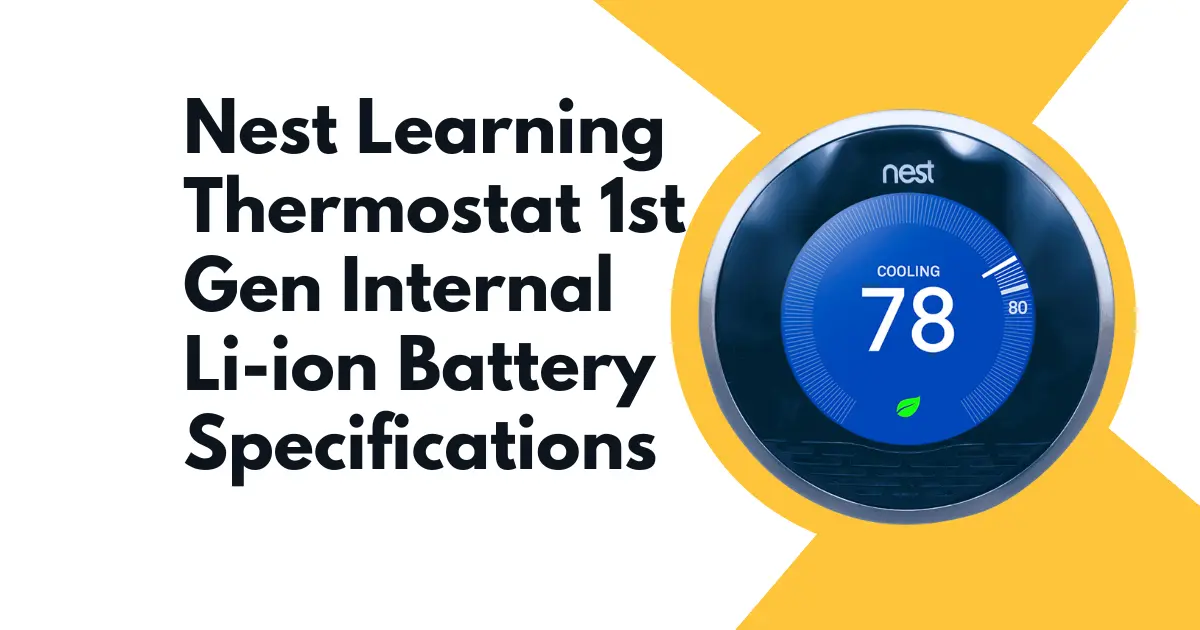
The Nest Learning Thermostat, released in 2011 as the first generation, model T100577, contains an internal rechargeable lithium-ion battery that is fundamental to the device’s operation in a way that distinguishes it from every traditional thermostat that preceded it. A conventional thermostat is a passive relay device: it draws negligible power from the HVAC wiring and operates indefinitely as long as the wiring is connected. The Nest 1st Gen is an active computing device; it runs a processor, maintains Wi-Fi connectivity, drives a color LCD, manages a learning algorithm, and interfaces with sensors, and all of this requires managed, stable DC power that cannot be drawn directly from HVAC control wiring without intermediate energy storage and regulation.
The internal battery is that energy storage and regulation layer. Understanding its specifications cell chemistry, voltage window, capacity, charging architecture, and failure characteristics is the prerequisite for diagnosing every power-related symptom the Nest 1st Gen can exhibit, from blank screens to random shutdowns to heating delays.
BATTERY CELL SPECIFICATIONS
The Nest Learning Thermostat 1st Gen uses a custom lithium-ion polymer (LiPo) rechargeable battery pack. The following specifications apply to the factory-installed battery:
| Chemistry | Lithium-ion polymer (LiPo) |
| Nominal voltage | 3.7V |
| Full charge voltage | 4.2V |
| Discharge cutoff voltage | 3.0V (approximate; the Nest firmware initiates shutdown sequences before reaching full cell discharge) |
| Capacity | Approximately 320–500 mAh (exact capacity varies between production batches; Nest did not publish an official capacity figure, but teardown measurements and replacement battery specifications converge in this range) |
| Physical form factor | Flat pouch cell, custom dimensions to fit the Nest 1st Gen housing cavity |
| Connector | JST-style 2-pin connector on the internal PCB (exact pitch varies; confirm before sourcing replacements) |
| Operating temperature range | 0°C to 40°C for charging; −20°C to 60°C for discharge |
The LiPo chemistry was selected over cylindrical lithium-ion cells for three reasons specific to the Nest 1st Gen’s industrial design constraints: the flat pouch format occupies less volume in the thin circular housing, the flexible pouch construction tolerates the minor thermal expansion that occurs in the housing of a device mounted to a wall near HVAC supply air, and LiPo cells can be manufactured in custom shapes without the standardized cylindrical form factor constraints of 18650-type cells.
THE BATTERY’S ROLE IN THE NEST 1ST GEN POWER ARCHITECTURE
The Nest 1st Gen’s power architecture is a two-source system: the HVAC wiring provides primary power through a trickle-charging circuit, and the internal battery provides the stored energy buffer that the device draws from for peak power demands.
Primary power source: HVAC wiring trickle charge
The Nest 1st Gen harvests small amounts of electrical energy from the HVAC system’s control wiring. Depending on the HVAC system configuration, this energy comes from:
The C-wire (common wire)
In systems with a dedicated C-wire, the Nest draws a steady trickle current of approximately 100–200 mA from the 24VAC transformer through the R-wire (power) and C-wire (common), which its internal charging circuit converts to DC to charge the battery.
Power stealing (no C-wire)
In systems without a C-wire, the Nest uses a technique called “power stealing”; it briefly activates the HVAC control circuit (sending a small current pulse through the heating or cooling control wire) to harvest energy, then stops before the furnace or AC system responds. This technique provides intermittent, low-current charging that is sufficient under some HVAC system configurations but insufficient under others, particularly with high-impedance systems or electronic air handlers.
Secondary power source battery
The battery provides the stored energy that the device draws during peak consumption periods (LCD illumination at full brightness, Wi-Fi transmission bursts, processor-intensive learning algorithm execution) and sustains operation during periods when the trickle charge is insufficient to meet instantaneous demand.
Critical implication
The battery is not a backup power source that is only used when wiring power fails. It is the primary moment-to-moment power source for the device’s active operations. Even a Nest with a correctly wired C-wire will exhibit power problems if the battery has degraded significantly, because the battery is what buffers the difference between the slow trickle charge rate and the instantaneous peak current demand.
CHARGING CIRCUIT BEHAVIOR AND VOLTAGE MONITORING
The Nest 1st Gen’s charging circuit is managed by the main logic board’s power management IC. This IC monitors battery voltage continuously and manages charging current based on the battery’s state of charge.
Charging stages
- Pre-charge (battery voltage below 3.0V): Very low current trickle to recover a deeply discharged cell without thermal risk. The Nest 1st Gen enters this stage after extended power loss.
- Constant current charge (3.0V to 4.1V): The primary charging stage; maximum current limited by the trickle harvest rate from HVAC wiring.
- Constant voltage/termination (at 4.2V): Charging current tapers as the cell approaches full charge; charging terminates when current drops below a threshold.
The Nest app and device firmware expose battery voltage as a diagnostic data point accessible through the device’s engineering menu. The path on the device varies by firmware version but is typically: Settings → Technical Info → Power → Battery voltage. A healthy battery at normal operating temperature reads between 3.7V and 4.1V during active operation. A battery reading consistently below 3.6V under load indicates degraded capacity. A battery reading below 3.4V at rest indicates severe degradation requiring replacement.
BATTERY DEGRADATION AND FAILURE MODES
The Nest 1st Gen battery was installed in 2011-era devices that have now been in service for over a decade. LiPo cells in continuous trickle-charge service, which is the Nest’s operating mode, degrade through two primary mechanisms:
Cycle degradation
Each charge-discharge cycle causes microscopic structural changes in the electrode materials, reducing the cell’s capacity by a fraction of a percent. After hundreds or thousands of cycles (inevitable over 10+ years of daily use), the capacity has reduced to a fraction of the original.
Calendar aging
Lithium-ion cells age chemically even without use. The electrolyte degrades, the SEI (solid electrolyte interphase) layer on the anode thickens, and internal resistance increases. This process is accelerated at elevated temperatures; the wall-mounted position of the Nest, adjacent to the air stream from the HVAC duct, means it regularly experiences temperature fluctuations that accelerate calendar aging.
Observable failure symptoms
- Blank or dark screen despite confirmed HVAC wiring: The battery can no longer sustain the voltage needed to power the LCD backlight.
- Device turns off during heating or cooling cycles: The increased current demand during HVAC activation depletes the weakened battery faster than the trickle charge can replenish it.
- Short display-on time: The screen dims or extinguishes within seconds of activation, even when the battery shows adequate resting voltage (because internal resistance causes rapid voltage sag under load).
- Low Battery warning in the Nest app for a hardwired installation: The power management IC detects voltage below threshold despite continuous wiring power indicating the battery can no longer hold adequate charge.
The complete diagnostic and repair procedure for battery failure symptoms is covered in the companion guide Why Your Nest 1st Gen Screen is Blank and Won’t Turn On (Battery Death Fix).
USB CHARGING PORT: AN ALTERNATIVE ENERGY PATH
The Nest 1st Gen has a Mini-USB port on the back of the display unit (the removable head that separates from the backplate). This port was included by Nest for two purposes: initial setup charging before installation, and emergency recovery charging when the battery is too deeply discharged to start up from HVAC wiring alone.
The USB port delivers 5V at up to 500mA (USB 2.0 specification). The internal power management IC steps this down to the appropriate LiPo charging voltage. Connecting a USB cable to the Mini-USB port and a USB charger allows the Nest to charge its battery directly from an external power source, bypassing the HVAC trickle charge entirely.
This USB charging capability is the primary tool for recovering a Nest 1st Gen that has reached a state of complete battery exhaustion and cannot power on at all. The detailed recovery procedure is covered in the companion guide How to Manually Charge a Dead Nest Learning Thermostat 1st Gen via USB Port.
BATTERY SPECIFICATIONS TABLE
| Specification | Value |
| Chemistry | Lithium-ion polymer (LiPo) |
| Nominal Voltage | 3.7V |
| Full Charge Voltage | 4.2V |
| Discharge Cutoff | ~3.0V |
| Capacity (approx.) | 320–500 mAh |
| Physical Form | Flat pouch cell |
| Connector | 2-pin JST (confirm pitch on specific unit) |
| Charging Interface | HVAC trickle charge (primary) / Mini-USB (secondary) |
| Operating Temp (charge) | 0°C to 40°C |
| Operating Temp (discharge) | −20°C to 60°C |
| Expected Service Life | 5–8 years under continuous trickle-charge conditions |
SOURCING A REPLACEMENT BATTERY
Replacement batteries for the Nest 1st Gen are available from third-party electronics repair suppliers. When sourcing:
Confirm LiPo chemistry and 3.7V nominal voltage: These are non-negotiable for compatibility with the Nest 1st Gen’s power management IC.
Match connector type and pin pitch: The JST connector pitch must match the PCB header on the Nest logic board exactly. Mismatched connectors require resoldering.
Capacity 300–600 mAh: Stay within this range. A significantly higher capacity battery (above 700 mAh) may exceed the thermal design parameters of the trickle-charge circuit. A lower capacity battery will have reduced backup duration.
Physical dimensions: Measure the existing battery pouch dimensions before ordering; length, width, and thickness must fit within the housing cavity.